Signs Your Phone Needs Professional Repair Instead of a DIY Fix
Smartphones are built to handle daily use, but they are not designed to withstand every drop, impact, or internal failure without consequences. When problems appear, many users immediately turn to DIY fixes, assuming they can save time and money. However, professional technicians consistently warn that certain warning signs indicate a device needs expert attention. Attempting a DIY repair in these situations often leads to more damage, higher costs, or permanent data loss. Recognizing when professional repair is necessary helps protect your phone’s performance, safety, and long-term usability.
Screen Problems That Go Beyond Surface Damage
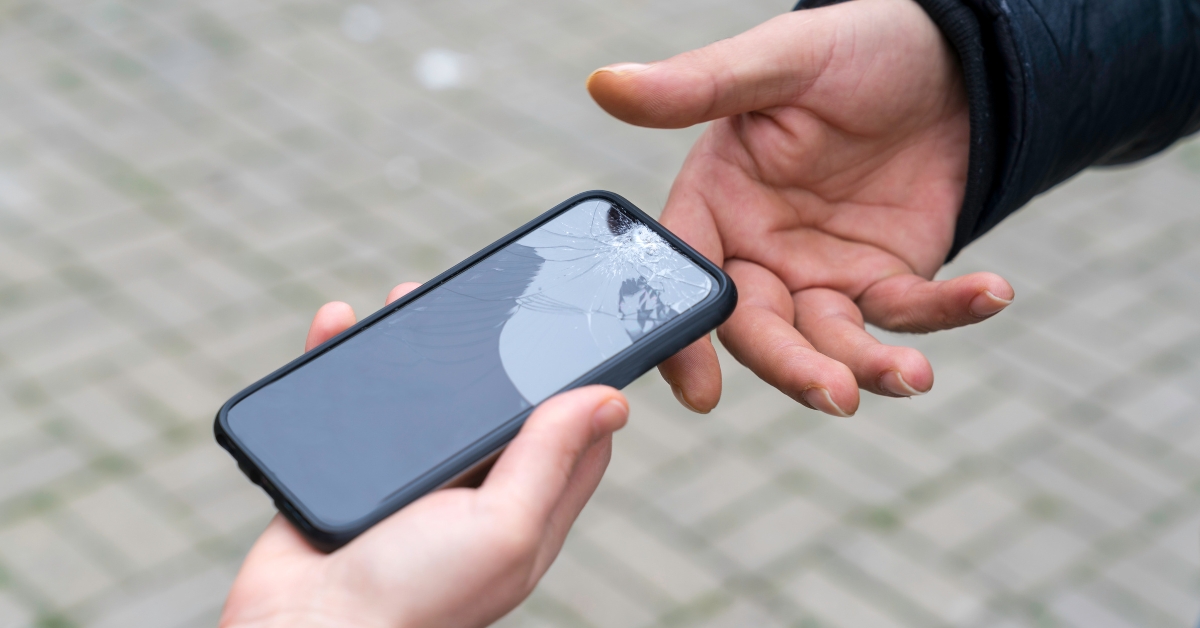
A cracked screen is often the most visible sign of damage, but not all screen issues are obvious. If the display flickers, shows lines, develops dark spots, or becomes partially unresponsive, the problem is usually deeper than broken glass. These symptoms often indicate damage to the digitizer, display connectors, or internal circuitry. DIY screen replacements frequently fail to resolve these issues because they require precise alignment and calibration. Professional repair ensures that both visible and hidden display components are restored correctly, preventing further malfunction.
Touch Response Delays and Ghost Touch Issues
Delayed touch response or ghost touches, where the screen reacts without being touched, are serious indicators of internal failure. These issues are commonly linked to damaged digitizers or electrical interference within the display assembly. DIY fixes rarely address the root cause and often worsen the problem through improper handling. Professional technicians use diagnostic tools to identify the exact source of the issue and replace or repair components safely. Restoring accurate touch functionality requires expertise that DIY methods cannot reliably provide.
Battery Draining Too Fast or Overheating
Rapid battery drain, unexpected shutdowns, or excessive heat during normal use are strong signs that professional repair is needed. While many users assume a simple battery replacement will solve the problem, the issue may involve charging circuits, power management chips, or software-hardware conflicts. DIY battery replacements can be dangerous if done incorrectly, leading to swelling or fire risks. Professional repair technicians diagnose the full power system before replacing components, ensuring both safety and stable performance.
Phone Randomly Shutting Down or Restarting
Phones that shut down without warning or get stuck in restart loops often suffer from serious internal issues. These problems may be caused by failing memory chips, corrupted firmware, or damaged internal connections. DIY troubleshooting such as factory resets or software updates may temporarily hide symptoms but rarely solve the underlying issue. Professional repair identifies whether the problem is hardware or software related and applies a targeted solution, restoring reliability rather than offering a short-term fix.
Charging Port and Power Connection Problems
If your phone only charges when the cable is positioned a certain way or stops charging entirely, the charging port may be damaged internally. Dust, corrosion, bent pins, or board-level issues are common causes. DIY attempts to clean or repair charging ports often damage delicate connectors. Professional repair services use proper tools and techniques to clean, repair, or replace charging components safely. Early professional intervention prevents power issues from spreading to other internal systems.

Water Exposure and Moisture Damage
Water exposure is one of the clearest signs that DIY repair should be avoided. Even if the phone appears functional after drying, moisture can remain trapped inside and slowly corrode internal components. Rice and air-drying methods are unreliable and often delay proper treatment. Professional repair technicians use specialized drying and cleaning processes to stop corrosion and assess damage accurately. Immediate professional attention significantly improves the chances of saving the device and protecting internal data.
Audio, Speaker, or Microphone Malfunctions
When calls sound muffled, speakers crackle, or microphones fail to capture sound clearly, the issue often involves internal components rather than simple software glitches. DIY solutions usually focus on settings or cleaning external ports, which rarely fix internal failures. Opening the device without experience risks damaging nearby components. Professional repair ensures accurate diagnosis and precise replacement, restoring clear audio performance across calls, recordings, and media playback.
Camera Focus Issues and Sensor Failures
Camera problems such as blurry images, inability to focus, or camera app crashes are often hardware-related. Modern phone cameras rely on delicate sensors and stabilization systems that are easily damaged. DIY attempts frequently introduce dust or misalign components. Professional repair technicians work in controlled environments and use proper tools to replace or recalibrate camera modules. This restores image quality and ensures all camera functions operate correctly.
Software Problems Linked to Hardware Failure
Not all software issues are purely digital. Frequent crashes, system freezes, or failed updates can be symptoms of failing hardware components such as storage chips or processors. DIY fixes like resets or reinstallations may temporarily improve performance but do not resolve the root cause. Professional repair technicians recognize when software symptoms indicate hardware failure and apply appropriate solutions that restore system stability and long-term performance.
Failed or Partial DIY Repair Attempts
If a device has already undergone a DIY repair attempt and continues to malfunction, professional repair becomes essential. Common DIY mistakes include damaged connectors, missing screws, improper adhesive use, and misaligned components. These errors often complicate the original problem. Professional technicians first correct previous repair mistakes before addressing the main issue. Seeking expert help early prevents escalating damage and reduces total repair costs.
Structural Damage and Frame Bending
Bent frames or structural damage affect internal alignment and component connections. DIY methods cannot restore proper structural integrity and often worsen internal stress. Professional repair technicians assess structural damage and determine whether repair or replacement is the best option. Correcting frame issues requires specialized tools and experience to ensure internal components remain secure and functional.
Why Professional Repair Protects Device Value
Professional repair focuses on restoring full functionality, safety, and durability. Trained technicians use quality parts, proper tools, and tested procedures to ensure reliable outcomes. For users experiencing these warning signs, choosing expert glendale phone repair services ensures accurate diagnostics and dependable repairs. Professional repair preserves performance, reduces future issues, and maintains resale value by ensuring the device is properly restored.
Understanding the Risks of DIY Fixes
DIY repairs often underestimate the complexity of modern smartphones. Improper heat application, incorrect tools, or lack of calibration can permanently damage components. Professional repair minimizes these risks by following established procedures and safety standards. When problems extend beyond cosmetic damage, professional expertise is the safest and most cost-effective option.
Making the Right Repair Decision
Recognizing the signs that a phone needs professional repair instead of a DIY fix is essential for protecting your device. While minor cosmetic issues may seem manageable, internal problems require trained expertise. Turning to trusted glendale phone repair services ensures your phone is repaired correctly, safely, and with long-term reliability in mind. Choosing professional repair at the right time prevents unnecessary damage and ensures your device continues to perform as expected.